Wordpress / Woocommerce plugin
Overview
The Really Good Culture plugin for Wordpress and Woocommerce is designed to allow you to showcase brand and product scores on your website, without having to write any code.
Instalation
(direct link will be provided here)
- Please go to
your plugins / add new pluginsection within your wp-admin, and search for theReally Good Culture plugin, and pressInstall Now. - Once installed press
Activatebutton.
Usage
After instalation, the plugin will provide a Really Good Culture section within your left side menu of the admin.
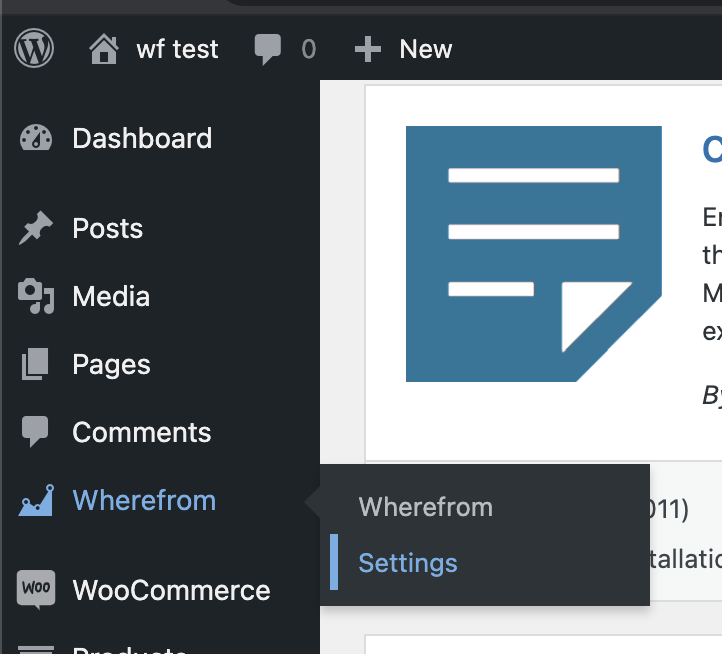
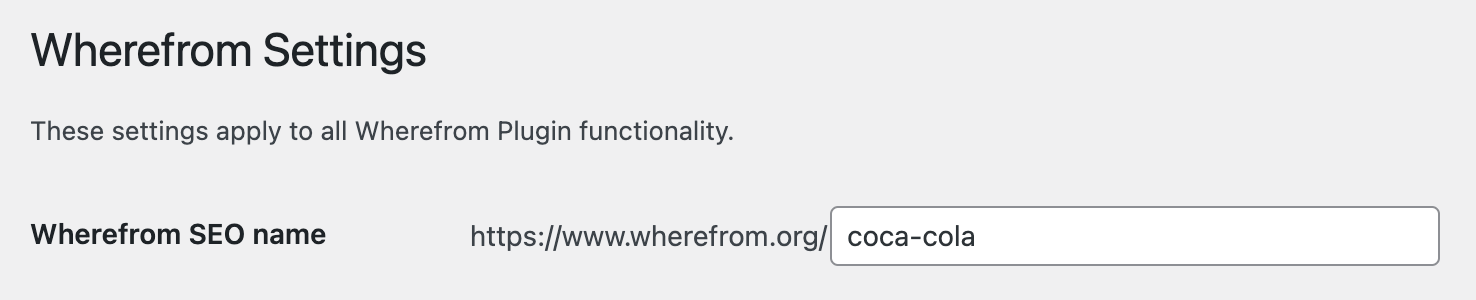
In the Settings section of Really Good Culture, please fill in the SEO NAME.
Your SEO name is the unique name that follows the https://www.reallygoodculture.com url of your Really Good Culture profile.
Example:
for http://reallygoodculture.com/coca-cola the SEO name is coca-cola.
Shortcodes
We provide several shortcodes for you to add the reallygoodculture score to your site, without having to alter your sourcecode. Just copy-paste the following within any content area on your site.
Banner Brand Score Widget
[reallygoodculture_brand_widget_banner]Options available:
width: the width of the widget in px or % (default: 100%)maxWidth: the maximum width of the widget if you are using a relative size (default: 1024px)height: the height of the widget in px or % (default: 50px)backgroundColor: the background color of the widget's frame (default: transparent)
Stacked Brand Score Widget
[reallygoodculture_brand_widget_stacked]Options available:
width: the width of the widget in px or % (default: 220px)height: the height of the widget in px or % (default: 130px)backgroundColor: the background color of the widget's frame (default: transparent)
Product Score Widget
If you would like to display a reallygoodculture score for one of your products, you can use this shortcode:
Note: the product has to exist within reallygoodculture echosistem, and you have to either use GTIN as a unique identifier, or your internal SKU (available after the products sync has been completed.)
[reallygoodculture_product_widget id="YOUR_PRODUCT_ID"]Mandatory Fields:
id: the unique identifier if the product
Options available:
id_type: type of identifier to use; Value has to be on of the following: (default:SID)WFID: Really Good Culture's internal product idGTIN: Unique GTIN number (barcode) of the productSID: Your internalidorsku(available only after ptoduct sync)
width: the width of the widget in px or % (default: 100%)height: => the height of the widget in px or % (default: 130px)backgroundColor: the background color of the widget's frame (default: transparent)align: alignment of the widget's content;leftorcenter(default: center)theme: visual theme of the plugin:coloured,white,black(default: coloured)
Woocommerce integration
If the plugin will detect you have woocommerce installed, it will automatically enable some features specific to woocommerce.
Automstic score insertion
The plugin will automatically insert the product score in your single product template. This is done via the actions system provided by woordpress.
Score will be added as part of your woocommerce_single_product_summary action, so it is fullly independed of your templates.
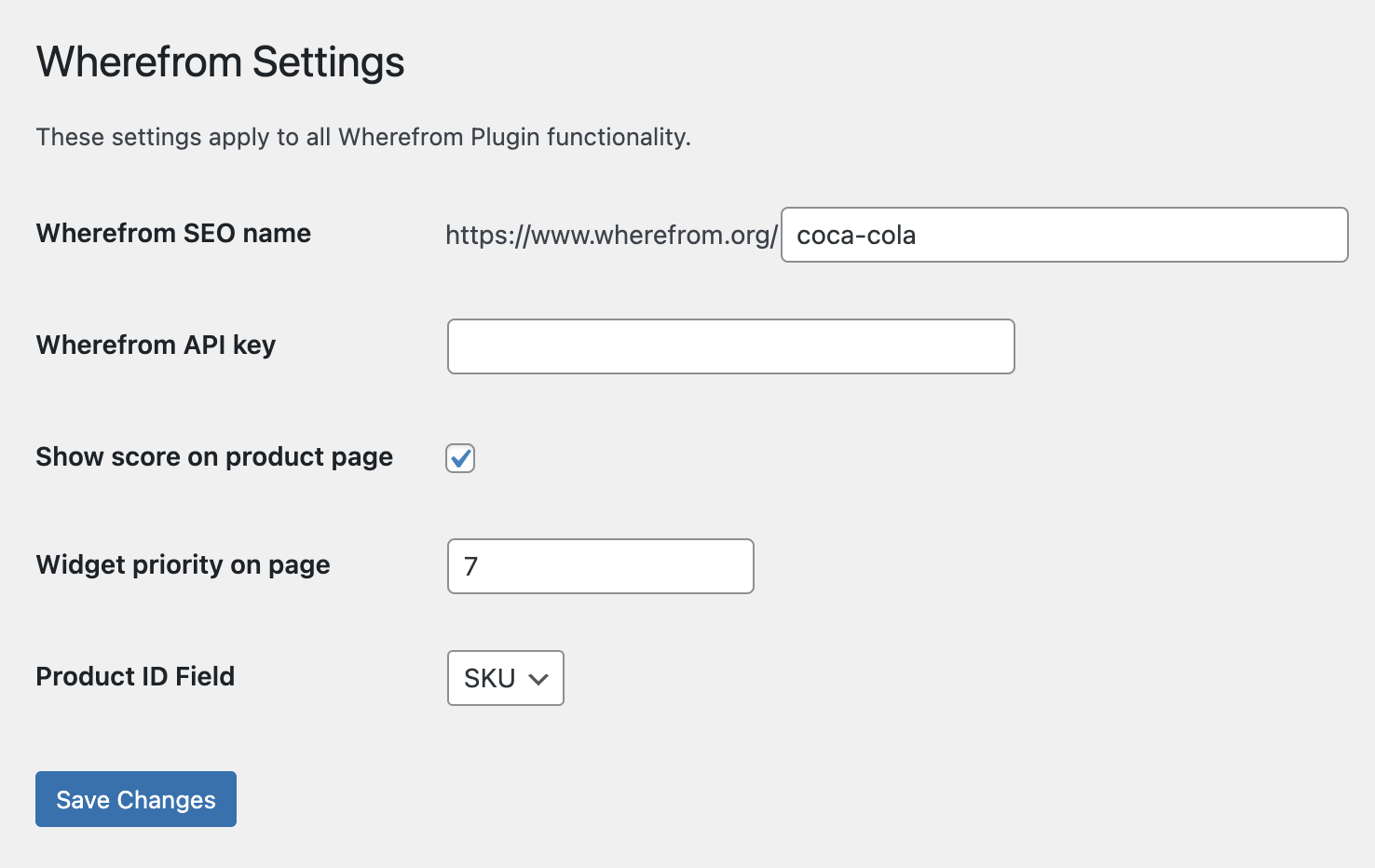
You can control several aspect of the integration via the settings of the Really Good Culture Plugin:
- enabled / disable automatic score insertion
- score insertion priority
- id field to be used to uniquely identoify products. By default, we suggest using
SKUbut if your system does not rely on skus, please switch this toID(product id assigned by woocommerce). In case SKUs are turned off in your system, the plugin will set this automatically toID